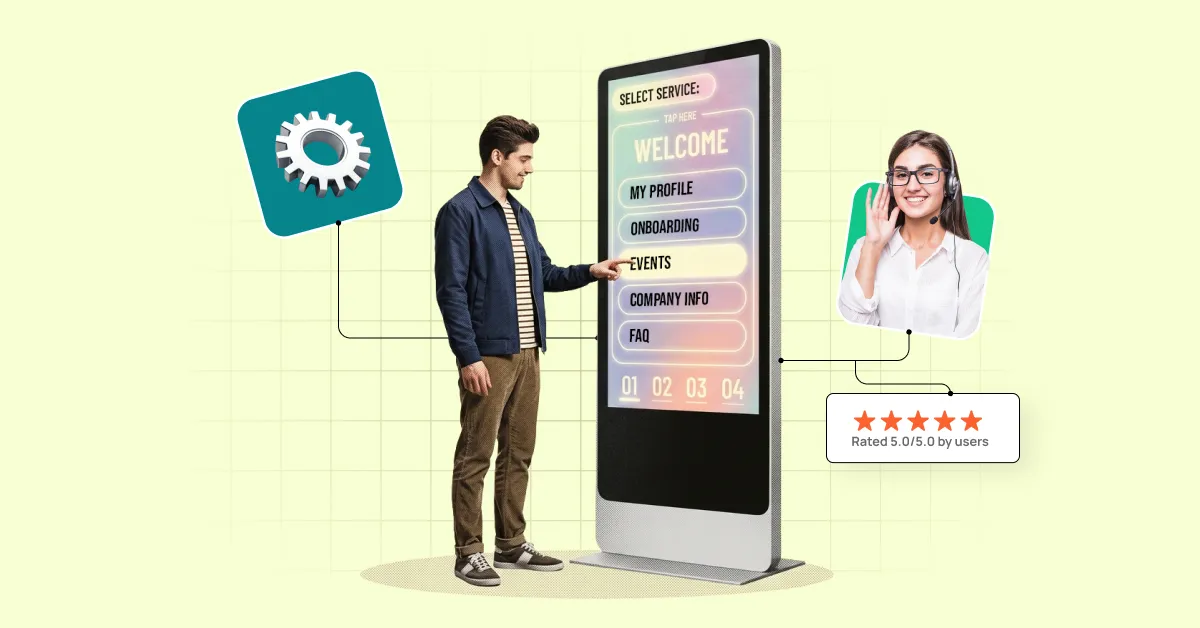
Time is the most valuable resource in modern business. A company’s revenue directly depends on how quickly it responds to customer needs and organizes internal processes. Every extra minute spent waiting for a response, every endless chain of emails, or every manually approved document is not just a minor inconvenience — it is a loss of productivity, customer trust, and ultimately, money.
People — both customers and employees — expect issues to be resolved in just a few clicks, without queues or unnecessary bureaucracy. That is why self-service portals are increasingly becoming a focus for business organizations. They serve as a bridge between an ideal user experience and the complex reality of business processes.
What Is a Self-Service Portal?
A self-service portal is a digital platform that enables users to independently resolve most of their requests without the involvement of a manager or support team. In other words, it is a kind of “personal account” where users can find answers to frequently asked questions, create requests (for example, for service activation, equipment replacement, access badge issuance, etc.), track their status, or access important documents.
Such portals simplify the experience for everyone involved in the process: customers receive fast and clear solutions, while employees gain more time for tasks that truly require human attention. As a result, companies improve customer service speed, customer trust, and employee efficiency — the three components that shape the modern standard of service.
Types of Self-Service Portals
Although all self-service portals share the same core idea — providing people with a convenient tool for quickly resolving tasks — they can differ significantly in purpose. Most commonly, they are divided into two main types: portals for customers and portals for employees.
Customer Self-Service Portals
This solution is designed for external users — a company’s customers or partners. A customer self-service portal allows users to find answers to frequently asked questions, access instructions, create or track requests, check order status, or pay invoices. All of this is available in one click, instead of waiting for a call center response or searching for instructions across dozens of emails. In addition, the self-service portal operates 24/7 and reduces the workload on support teams.
As a result, the company can offer customers a choice — either resolve their issue with the help of a support consultant or quickly handle it themselves in a personal account.
This flexibility can be especially valuable for people with hearing impairments or for those who simply feel uncomfortable communicating by phone (61% of users say they would prefer to get support via a self-service portal rather than through a consultant). Ultimately, the customer feels more confident, while the business saves resources and gains a more satisfied audience.
Employee Self-Service Portals
The second format is designed for internal users — employees. This self-service portal significantly simplifies HR, finance, and administrative processes. Instead of endless requests to HR or accounting departments, employees can independently request vacation time, download required documents, view schedules, submit IT requests, or track the status of their tickets.
For the company, this means less manual work, faster resolution of routine tasks, and more transparent communication. For employees, it provides a sense of control and support, as everything they need is available “in one click.” As a result, the organization gains a more flexible and motivated environment, while employees benefit from a better overall work experience.
Functional Capabilities of Self-Service Portals
Depending on the type of portal and the company’s needs, a self-service portal may include the following functionality:
- Knowledge Bases and FAQs
Users gain access to answers to frequently asked questions, guides, instructions, and checklists in a convenient format. This reduces the number of routine support requests and enables users to quickly find the information they need.
- Request and Ticket Management
Creation, tracking, and real-time status updates for requests and tickets. Users can see the current stage of their request without wasting time on repeated follow-ups. For companies, this ensures transparency and control over service processes. For example, a customer can submit and track a product return request, while an employee can submit a vacation request or request repairs for a work laptop.
- Personalized Access to Data and Documents
A personal account typically allows users to download invoices, contracts, certificates, or other important documents. For employees, this may include access to payslips or work schedules; for customers, order and payment history.
- Automated Processes
Vacation requests, password resets, or creating a new user in the system can all be handled automatically without manager involvement. This helps companies save time and reduce operational risks.
- Analytics and Reporting
For businesses, the portal is not only a convenience tool for users but also a valuable data source. Companies can see which questions arise most frequently, how quickly requests are processed, where bottlenecks occur, and improve processes based on real data.
It is also worth highlighting the ability to integrate self-service portals with other systems, for example:
- ERP
Portal role: provide employees with a convenient way to create requests or view data without requiring specialized system knowledge.
ERP role: process requests, manage budgeting, accounting, and transactions.
In practice, an employee clicks the “create purchase request” button in the portal, while the ERP system processes it through all business workflows.
- CRM
Portal role: provide access to required information without a complex CRM interface.
CRM role: store customer history, deals, and interactions.
For example, a support employee can see in the portal that a customer has an active deal, while all underlying data is stored in the CRM — the portal simply displays it in a user-friendly format.
- HRM
Portal role: create a “single window” for employees where they can submit requests or access information.
HRM role: store HR data, policies, payroll calculations, and performance review results.
An employee submits a vacation request through the portal, while the HRM system records it in the schedule, calculates payments, and synchronizes it with timesheets.
- ITSM
Portal role: accept requests in the simplest possible format (“I need access to a service”).
ITSM role: register incidents or requests, launch approval workflows, assign SLAs, and monitor execution.
Employees can see statuses such as “In Progress” or “Resolved” in the portal, while all routing and control take place within the ITSM system.
As a result, a self-service portal becomes more than just a service tool — it turns into a strategic asset. It helps build a culture of transparent communication, increases customer satisfaction and productivity, and most importantly, frees up the business’s most valuable resource: time.
Benefits of Using a Self-Service Portal
81% of surveyed users say they would like brands to offer more self-service options for finding answers to their questions independently. Companies that provide customers with multiple ways to resolve issues are proven to increase user satisfaction. Self-service portals are setting new service standards by offering the following benefits:
For businesses:
- Cost optimization: Fewer support requests mean less workload for customer service teams. Resources can be redirected toward strategic initiatives instead of routine tasks.
- Process transparency: All requests are logged, tracked, and analyzed. This helps quickly identify bottlenecks and continuously improve service quality.
- Faster operations: automating standard processes (such as certificate requests, vacation requests, password resets, etc.) reduces operational bottlenecks and enables faster response to user needs.
- Improved brand reputation: Companies that prioritize convenience for customers and employees are perceived as modern and people-oriented. This directly impacts trust and loyalty.
For users:
- Speed and accessibility: Issues can be resolved anytime without waiting on support lines or in HR queues. The portal is available 24/7.
- Autonomy and control: Users can independently track request statuses, download required documents, or find answers to their questions.
- Ease of interaction: instead of complex bureaucratic processes, users get one convenient interface where everything is within reach.
- Positive experience: Customers feel cared for and supported professionally, while employees experience trust and support. Positive experiences almost always translate into loyalty.
How to Build and Implement a Self-Service Portal for Your Company: Key Considerations
Launching a self-service portal is not simply about implementing new software. It is a shift in interaction culture, where companies empower users and give them tools for greater control. To ensure the solution is effective and widely adopted, several key principles should be considered.
Best Practices and Requirements for Building an Effective Self-Service Portal
- Simple and Intuitive Interface
Even the most advanced functionality loses value if users get lost in complex navigation. A portal should be intuitive: minimal clicks, logical structure, and clear instructions that help users find the information they need within seconds.
- Service Catalog and Knowledge Management
It is important that all available services and instructions are well-structured and easy to find. This includes guide libraries, knowledge bases, and catalogs of internal and external company services.
- Automation of Routine Tasks
Password resets, certificate requests, vacation requests, or equipment orders should all be automated. The less human involvement required, the faster processes can run.
- 24/7 Support with Chatbots
Even the best portal cannot answer every question. Chatbot integration helps provide instant assistance and reduces the workload on support teams.
- AI Integration
Artificial intelligence makes portals smarter by analyzing previous requests, suggesting the most relevant answers, or automatically recommending knowledge base articles while users are submitting requests.
- Ticketing System
This is the core of request management: every user request is automatically converted into a ticket with a unique ID. All further interactions — comments, status changes, deadlines — are tracked within that ticket, making the process transparent for both users and support teams.
- Reports and Dashboards
For businesses, the portal becomes a source of analytics: which requests are most common, where issues occur, and which services deliver the most value.
- Security and Compliance
Protection of personal data and compliance with standards (such as GDPR and others) are critically important.
- Support and Training
Portal implementation should be accompanied by instructions, educational materials, and internal promotion so users understand its value and capabilities.
- Feedback Mechanisms
Tools for collecting and processing user feedback help companies understand how convenient the portal is and what improvements should be made. This should become an ongoing dialogue.
Potential Implementation Challenges: How to Encourage Users to Adopt a Self-Service Portal
Even the best solution can become “shelfware” if no one uses it. To avoid this, it is important to:
- clearly communicate the portal’s value through practical examples and ongoing communication
- make the first user experience as simple and intuitive as possible. For example, after launching the portal, a company can provide a short interactive onboarding directly within the interface using hints or mini-tours (“click here to submit a request,” “this is your personal dashboard”)
- engage “change ambassadors” within teams who can help colleagues adapt
- regularly update the portal to demonstrate that it is actively evolving and improving
A successful self-service portal is a combination of thoughtful design, automation, and a strong feedback culture. Only then does it truly become a tool that saves time for both businesses and users.
SmartPoint Intranet: An Example of a Functional Self-Service Portal
SmartPoint Intranet is a real-world example of how a self-service portal can become the central hub of internal communication and operational efficiency. Built on Microsoft SharePoint, this solution is a balanced system that combines user convenience, administrative simplicity, security, and scalability.
Key Functional Capabilities of SmartPoint Intranet
- Personal dashboard and self-service tools: employees can independently submit requests — for IT support, equipment issuance, account creation, and more — through an intuitive process builder.
- Task center and notification center: a single space where users can see everything assigned specifically to them; notifications about news or tasks are delivered automatically so nothing gets missed.
- Knowledge base and personal knowledge base: structured documents and company resources, combined with personalization options (favorites, custom categories), ensure quick access to relevant content.
- Form builder for process automation: enables the creation of digital forms to launch internal company processes. Forms can be used for HR requests, service tickets, internal approvals, and operational workflows.
- Event calendar and departmental workspaces: employees can view all corporate events, schedule meetings, and manage projects through dedicated department workspaces.
- Integration with ERP, CRM, Microsoft Teams, SSO, and more: SmartPoint integrates with corporate systems to support collaboration, security, and advanced analytics.
- Security and compliance with international standards: the portal is built on Microsoft technologies — SharePoint, Azure, and Microsoft 365 — ensuring reliable data encryption, access control, and compliance with security policies.
As a result, a well-configured self-service portal can significantly reduce the workload on HR and operational teams, provide employees with greater autonomy and transparency, and serve as a catalyst for corporate culture development. If you would like to implement your own self-service portal or automate other business processes within your company, submit a consultation request, and SMART business experts will help you find the right solution.